
Finding hoa notice generation software that handles letter drafting, compliance, and delivery in one place is harder than it should be. Most solutions require separate tools for mailing, lack state specific drafting guardrails, or offer unclear pricing for smaller boards. This comparison covers price, delivery options, compliance support, and user experience so boards and managers can pick the best fit for their community.
Table of Contents
HOA Letter AI
At a Glance
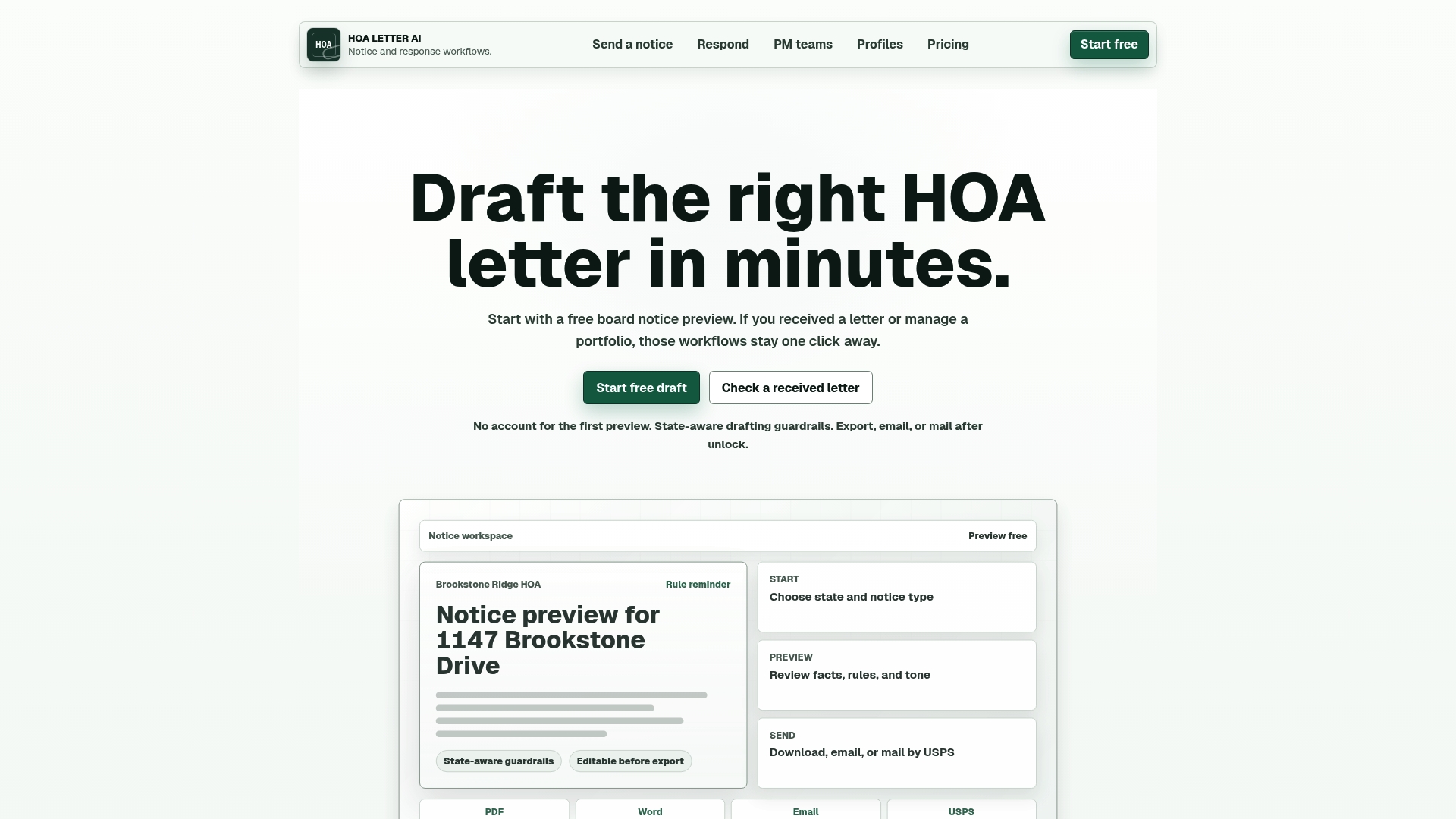
HOA Letter AI offers optional USPS mailing with proof of delivery tied to its drafting workflows. The platform uses state specific templates and built in checks to reduce common errors. Boards can preview a single page version of each notice before they send or export it for record keeping.
Core Features
HOA Letter AI guides you through notice drafting with state specific prompts and a library of common notice templates. You can insert community rules and branding into reusable community profiles, then edit drafts before export. Final outputs support PDF, Word, email, and paid USPS mailing with delivery proof.
Key Differentiator
The platform enforces state specific drafting guardrails and highlights rule citations inside the notice. That feature helps you reference the exact community rule or state requirement without hunting through separate documents. For boards worried about consistency across properties, the rule citation keeps language aligned across notices.
Pros
HOA Letter AI supports multiple delivery methods, including email and USPS mailing with documented delivery proof, which helps when you need verifiable service. The state aware guidance reduces drafting guesswork and helps match notices to local legal terms. Reusable community profiles and editable drafts save time for property managers who handle many neighborhoods.
Cons
- Mailing costs are additional and can add up quickly for high volume mailings.
Who It's For
This product fits HOA boards that send routine violation notices and reminders and need consistent language across documents. It also suits property managers handling notices for multiple communities who want reusable profiles and brand consistency. Homeowners who want to check or respond to official correspondence will find the editable previews useful.
Unique Value Proposition
HOA Letter AI pairs state specific drafting guidance with a one-page preview and delivery options, so you can prepare, review, and send a notice without moving between separate tools. The one-page preview makes legal review and board sign off faster. Paid mailing with proof of delivery ties the drafting step directly to documented service when the record matters.
Real World Use Case
A property management company uses HOA Letter AI to produce uniform violation notices across five communities. Teams load each community profile once and reuse rules and branding for every letter. They export a PDF for the file, email residents when appropriate, and purchase USPS mailing for cases that need verified delivery.
Pricing
Pricing runs on a per letter or subscription model. You can pay five dollars per letter as a one time unlock. You can also pay fifteen dollars per month for unlimited drafts and exports. USPS mailing fees are charged separately per letter.
Website: https://hoaletterai.com
Empower HOA
At a Glance
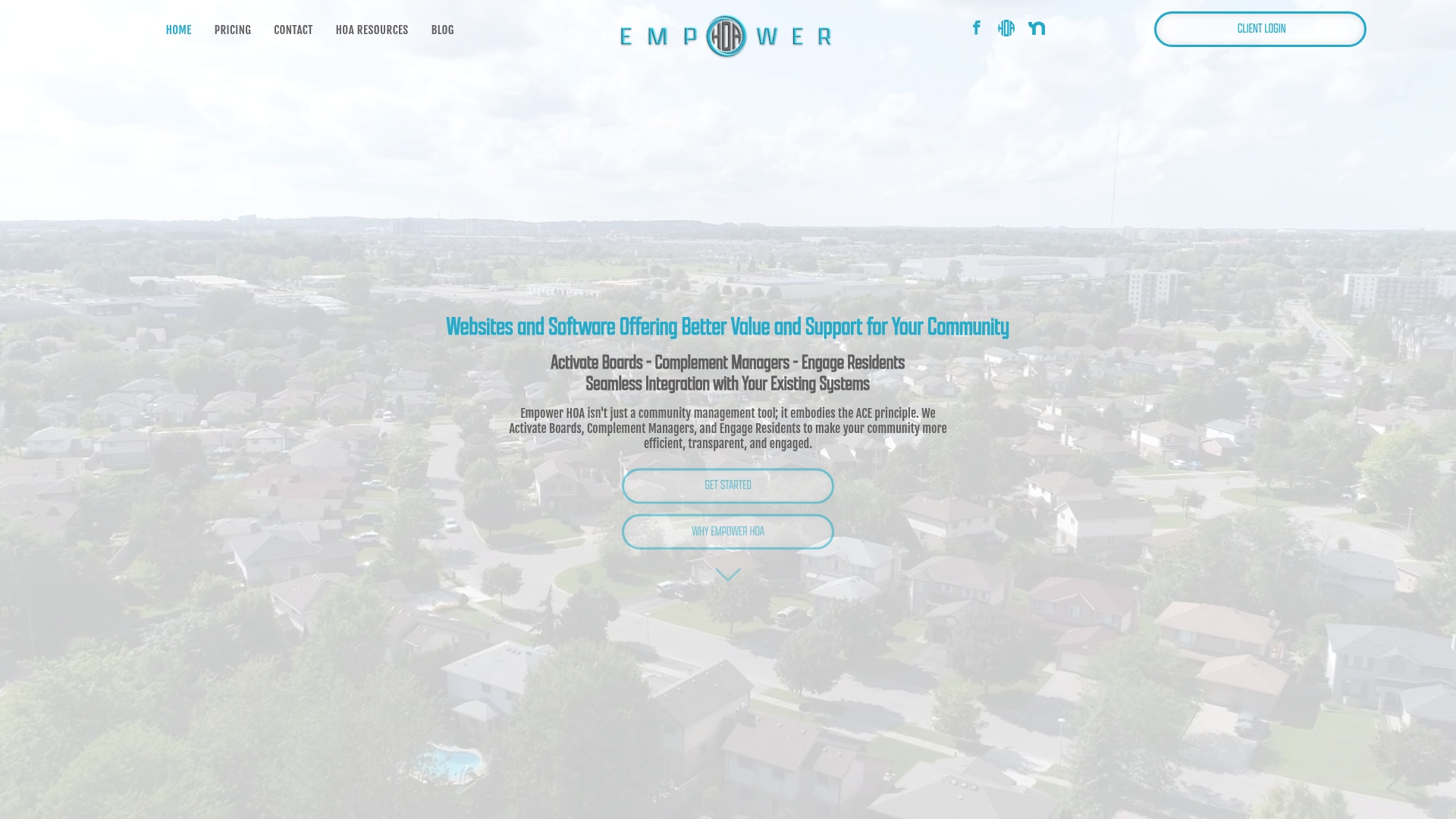
Plans start at $150 a month with a one time setup fee of $350. This pricing point makes the product accessible for smaller homeowner associations that need a complete online presence. The offering combines a public community website with a resident portal and manager tools in a single package.
Core Features
The platform provides community management software that handles resident communication, document storage, and forms. It includes online voting and an event calendar for resident engagement alongside customizable community websites. The resident portal gives residents access to news, documents, and submission forms while the system can connect to existing management software.
Key Differentiator
The product packages website design, a resident portal, and core management tools into a single customizable offering that connects to existing management systems. That configuration reduces the number of separate vendors a board must manage. The ability to tailor packages with optional add ons supports communities with specific needs.
Pros
The entry price of $150 a month makes this option approachable for small associations while still offering customization. The product offers an easy to use resident portal and mobile friendly pages, which help residents access documents and vote from phones. Empower HOA includes setup and support services, which helps boards get the site live and configured to community rules.
Cons
- Some third party reviews report inconsistent customer support responsiveness. This may affect boards that need quick, hands on assistance.
- The vendor provides limited public detail about specific security measures. Buyers seeking documented certifications will find little published information.
- There is no detailed, published statement about data privacy practices beyond general claims. That gap may matter to communities with strict privacy requirements.
When It May Not Fit
Large associations with formal IT or compliance requirements may need more documented security controls than this vendor publishes. Complex portfolios that require guaranteed response times could find the reported variability in support troubling. If a board needs a vendor with public certifications and detailed privacy documentation, this offering may not match that need.
Who It's For
This product fits HOA board members and community managers at small to medium size associations who want one vendor for a website, resident tools, and basic management functions. It suits groups that value configurable options and that can tolerate some variability in support. Boards that want a quick upgrade from generic sites to a managed portal will find it relevant.
Real World Use Case
A five-person board adopts the platform to run online votes, publish monthly newsletters, and host governing documents. Residents log into the portal to submit maintenance requests and download forms. The board uses the same system to post meeting minutes and manage community events.
Pricing
Pricing begins at $150 a month. Optional add ons are available for extra features and modules. The vendor charges a one time setup fee of $350 for initial configuration.
Website: https://empowerhoa.com
Smartwebs
At a Glance
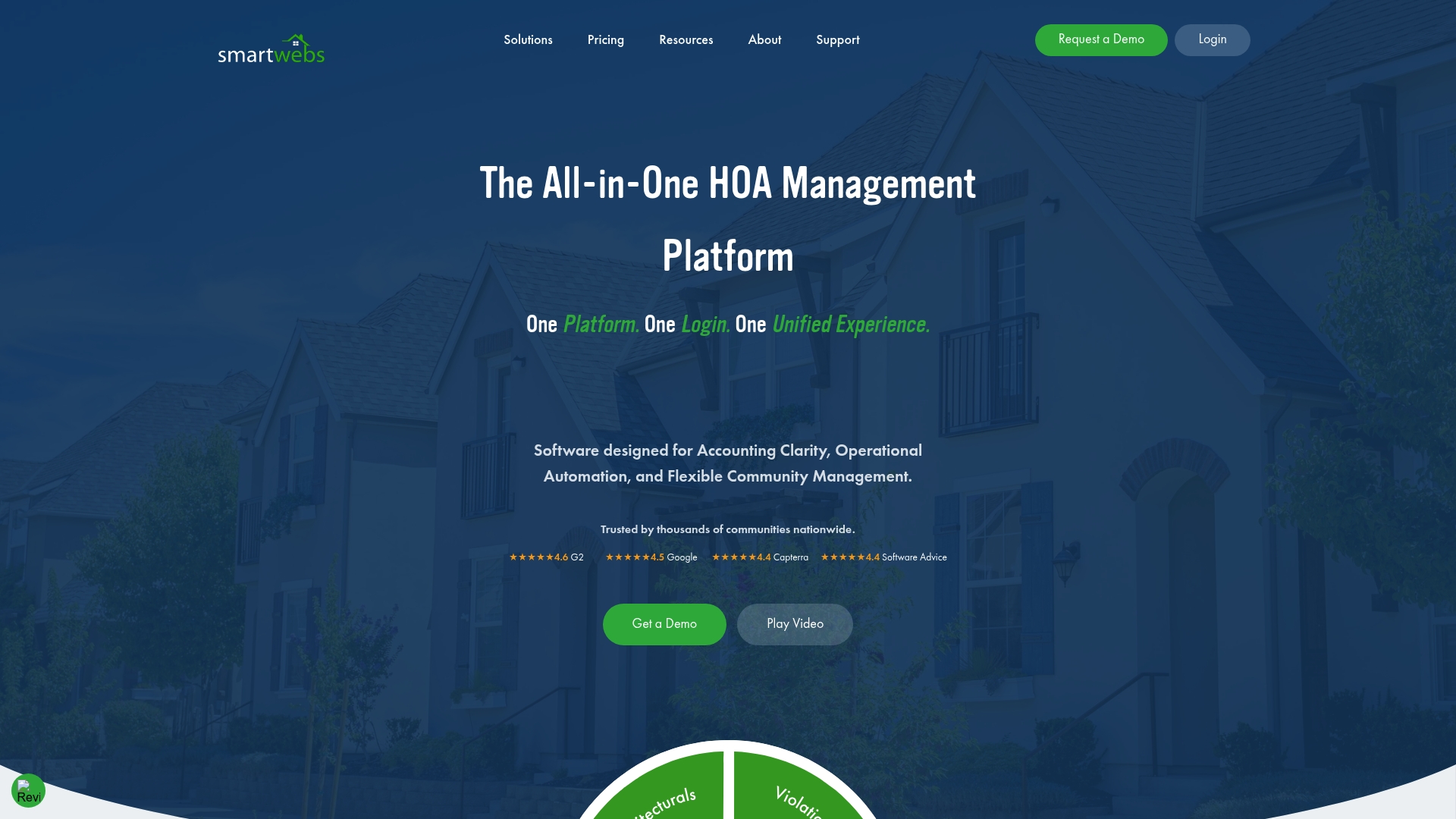
Smartwebs reports it is used by thousands of communities nationwide. That self reported user count signals industry adoption for HOA platforms. The product packages accounting, violations, work orders, portals, and reporting into one cloud based system.
Core Features
Smartwebs combines accounting, operations, and resident communication so boards and managers avoid separate point solutions. The platform offers workflow automation for dues, payments, violations, and work orders, plus a resident portal for self service access. Mobile apps support field inspections and approvals while built in reporting supplies business intelligence for board reviews.
Key Differentiator
The platform’s main strength is its unified approach. Smartwebs links accounting, violations, architectural reviews, and work orders inside a single system. That connected model reduces data reentry and lowers the chance of siloed records across teams.
Pros
Smartwebs reduces manual work by automating dues, violations, and work orders, which cuts repetitive tasks for management staff. Mobile inspection and approval tools let field teams update records on the spot and keep everyone aligned. The platform claims broad adoption among communities, and that figure suggests maturity and stable product development.
Cons
- Pricing is not listed publicly. This can delay budget approvals for boards that need a line item before talking to sales.
- Customer reviews raise concerns about support and user experience. Boards should test the interface before committing.
- Documentation on advanced customization is limited. Larger management companies may need more configurability than is openly described.
When It May Not Fit
If your board requires up front, transparent pricing, Smartwebs may frustrate procurement. Organizations that need verified independent reviews of support performance should conduct a pilot. Buyers needing heavy platform customization should confirm capabilities before signing.
Who It's For
Management companies and self managed community boards that prefer a single vendor for accounting, operations, and resident access will find Smartwebs worth evaluating. Teams that want mobile field tools and connected workflows align well with the product. Smaller boards that need fixed public pricing may find the sales process slower.
Real World Use Case
A mid sized HOA management company consolidated accounting, violation tracking, and resident messaging into Smartwebs. Field inspectors used the mobile app to log violations and trigger automated notices. The combined records shortened follow up time and reduced duplicate data entry for the office team.
Pricing
Smartwebs lists pricing as Get a Quote. Purchasers must contact sales for a tailored quote based on community size and required modules. Expect a demo and a formal proposal before finalizing costs.
Website: https://smartwebs.com
HOALife
At a Glance
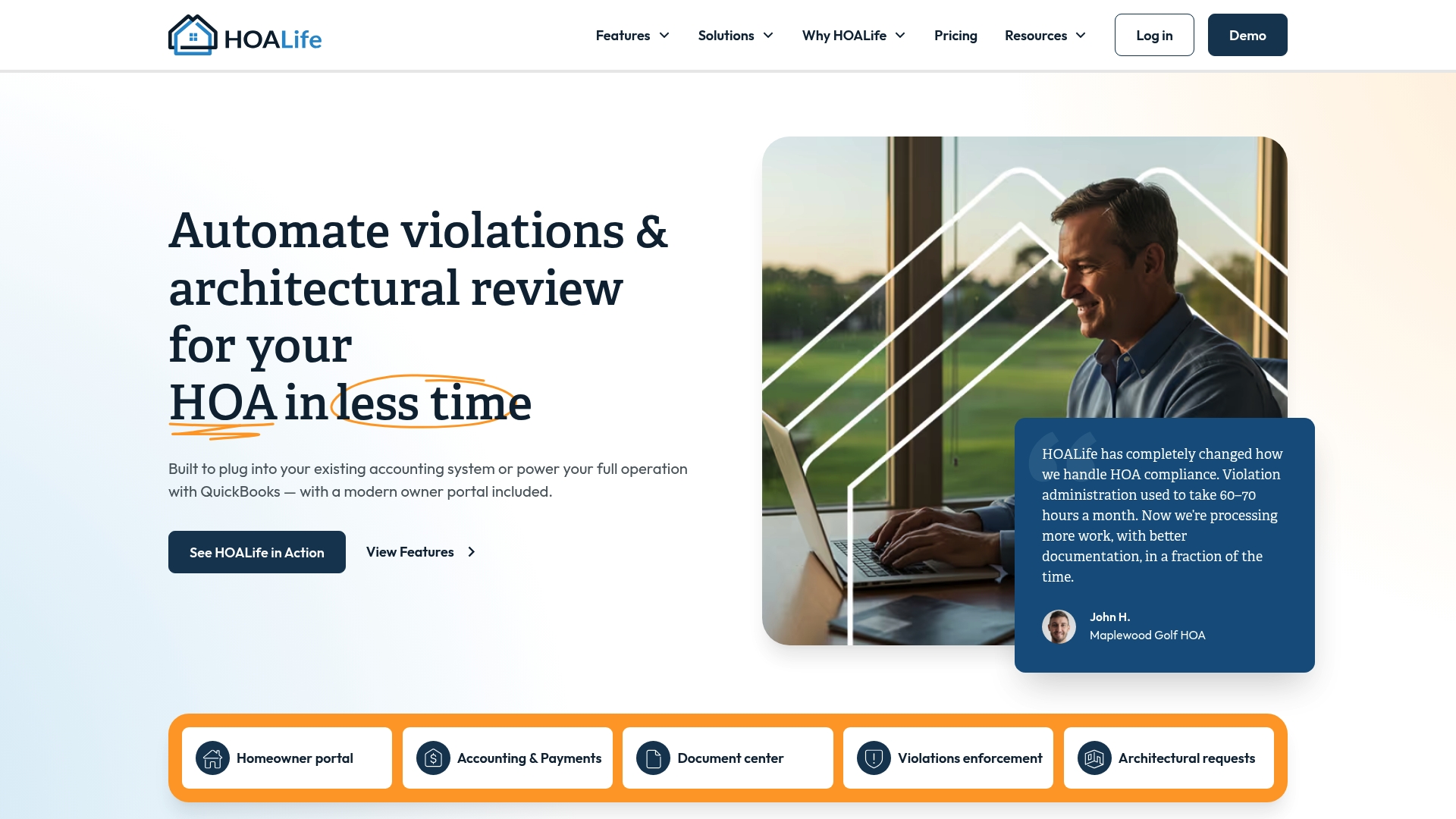
Starting at $199/month, HOALife bundles violations enforcement, architectural review, homeowner portals, online voting, work orders, document storage, and accounting integration into a single product. The platform targets medium to large associations and management companies that need compliance-focused workflows. Final pricing is scoped during a personalized demo, so cost varies with community size.
Core Features
HOALife provides end-to-end violations enforcement workflows and a structured architectural review process that tracks requests and outcomes. The system includes homeowner portals and public websites, plus communication and notices for member outreach. Work order and asset management tools include GPS-guided inspections and detailed reporting for field teams.
Key Differentiator
HOALife stands out for its depth in violations enforcement and architectural review processes across complex associations. The platform also offers integration with QuickBooks Online so boards can link operations and accounting. That combination suits communities that must keep tight compliance records and match financial workflows to enforcement activity.
Pros
HOALife offers deep workflow support for violations and architectural review, which some third-party reviews highlight as a standout capability. Integration with QuickBooks Online connects enforcement and financial records, reducing duplicate entry and reconciliation work. The product also covers voting, document management, homeowner portals, and tailored onboarding with ongoing support to help associations adopt those workflows.
Cons
- Administrators report a learning curve because the platform exposes detailed compliance features and many settings.
- Pricing is scoped during a demo, which can feel less transparent for buyers comparing options.
- The breadth of tools can be more than smaller, simple associations need, creating administrative overhead.
When It May Not Fit
HOALife is less ideal for very small communities with simple needs because the product offers extensive features aimed at complex operations. If your association needs only basic notice sending and a document repository, HOALife may add unnecessary configuration and training. Consider a lighter tool if you manage a single small community with minimal compliance processes.
Notable Integrations
- QuickBooks Online for financial syncing between operations and accounting systems.
Who It's For
HOALife suits HOA management companies and medium to large associations that require compliance tracking, multiassociation support, and integrated accounting. Boards with active architectural review caseloads or frequent violations enforcement will see the most operational benefit. Communities that want tailored onboarding and ongoing vendor support will also fit well.
Real World Use Case
According to the company, a large HOA was spending 60–70 hours a month on violations management before adopting HOALife. After implementation, that association reduced administrative time while improving documentation for each case. The combined enforcement workflows and records made audits and board reporting simpler.
Pricing
Pricing starts at $199/month and the vendor scopes final cost during a 30-minute demo to match community size and needs. That model means you receive a tailored quote rather than a fixed public price.
Website: https://hoalife.com
PayHOA
At a Glance
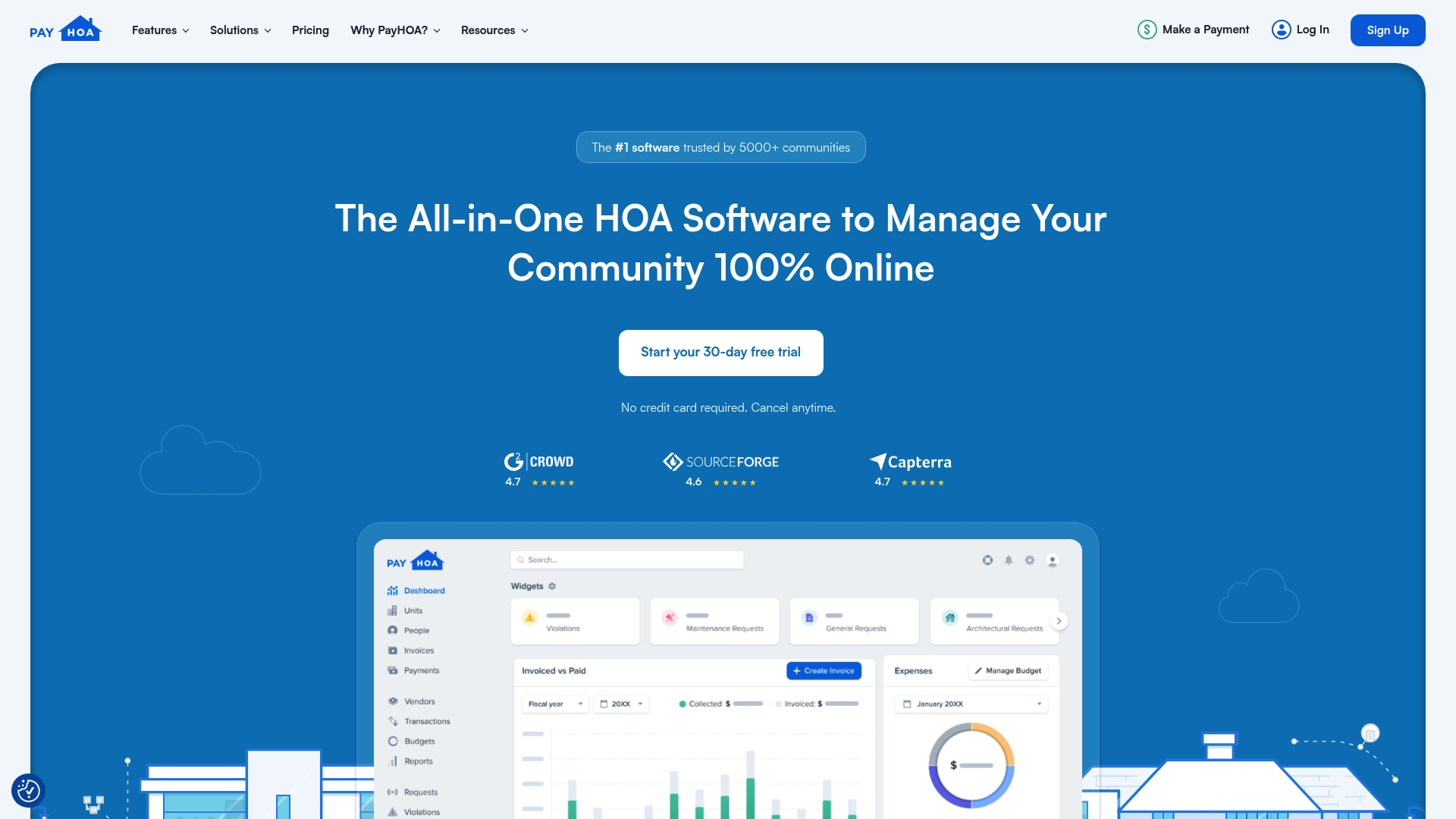
PayHOA includes a 30-day free trial that does not require a credit card. The vendor advertises high user ratings, including 4.7/5 on Capterra and 4.6/5 on SourceForge. That combination makes evaluation low risk for boards and managers.
Core Features
PayHOA combines financial management with resident communication and document storage in a single interface. It handles invoicing, payments, budgets, and real-time accounting alongside mass emails, SMS, phone messaging, homeowner portals, violation tracking, and online voting. The product also provides website building, bank data synchronization, secure payment processing, onboarding support, and customizable user permissions with unlimited storage and messaging.
Key Differentiator
PayHOA centers its value on covering both money and community interaction rather than focusing on a single workflow. Unlike Hoaletterai, which specializes in letter creation and delivery, PayHOA groups accounting, portals, and community tools under one roof. That makes it useful when an association wants a single system for dues, communication, and documentation.
Pros
The platform's broad feature set reduces the number of separate tools a board must manage. Those ratings above reflect strong user satisfaction and frequent positive testimonials. PayHOA's automated invoicing and payment features cut repetitive tasks, and its messaging options let boards reach owners by email, SMS, or phone. The vendor offers onboarding and migration help, which shortens the time to full use. Flexible plans include unlimited users, storage, and messaging, which helps to grow communities.
Cons
- Some associations will find limited support for advanced customization or for very specific third party integrations.
- Boards that need features outside standard HOA workflows may find the product lacking.
- The platform's breadth requires time to learn for new administrators and volunteer board members.
When It May Not Fit
If your committee only needs a focused letter drafting and mailing tool, PayHOA may be more than required. Organizations that depend on niche integrations not listed in the vendor materials should avoid committing until integration specifics are confirmed. Groups with very simple needs and no budget for a platform could prefer single purpose tools or manual workflows.
Who It's For
PayHOA fits HOA boards, property management firms, and self managed communities that want an integrated system for finances and resident communication. It works well for managers who handle multiple communities and need central reporting. Volunteer boards that plan to grow and want unlimited storage and messaging will find the pricing model relevant.
Real World Use Case
A homeowners association moves from spreadsheets and separate mailing lists to PayHOA to manage dues, enforce violations, publish resale documents, and run surveys. The board consolidates finance reporting and resident messaging into one place. That change reduces back and forth between platforms and clarifies records for owners.
Pricing
Plans scale by community size. Pricing starts at $54/month for communities of 0 to 25 units. Larger groups can choose a per-unit rate of $0.55 per unit, per month with a $275 minimum.
Website: https://payhoa.com
Comparison of alternatives
HOA boards and community managers seeking reliable solutions for communication and management tasks have several options to consider. Each platform caters to specific needs, offering unique features and functionality to enhance operational efficiency.
Drafting accuracy and legal alignment
HOA Letter AI excels with its state-specific drafting guidance and built-in rule citation features, allowing board members to produce legally consistent notices without manual research. This feature ensures accuracy and compliance. Conversely, while competitors like Empower HOA and Smartwebs offer community management tools, they lack HOA Letter AI's specialized focus on compliant document preparation.
Financial tracking and field inspections
Platforms such as PayHOA and HOALife provide integrated solutions combining financial management, compliance tracking, and user communication. Specifically, PayHOA streamlines invoicing and payment workflows while offering extensive resident portal tools. HOALife, though positioned above PayHOA in price, is optimized for medium to large associations needing compliance-focused workflows such as architectural reviews.
Best fit
- Boards requiring compliant, tailored notices across various jurisdictions will benefit from HOA Letter AI.
- Small associations prioritizing accessible pricing and integration of basic community management tools will find Empower HOA appealing.
- Larger organizations aiming to consolidate financial oversight, community communication, and management tasks should explore PayHOA.
- Compliance-focused properties needing detailed violations' enforcement, compliance records, and financial integration should evaluate HOALife.
- Volunteer-led associations in early stages should consider solutions with free trials like PayHOA to assess affordability and suitability.
Our pick
HOA Letter AI distinctly positions itself through its integrated state-specific drafting templates and multi-delivery support, ensuring accuracy and adaptability for document preparation and distribution. Boards managing diverse jurisdictions or prioritizing streamlined compliance will find significant utility in its features. While other platforms provide broader integrations or add-on capabilities, HOA Letter AI’s specialized approach makes it the premier choice for boards prioritizing compliant, efficient communication solutions.
For boards seeking HOA notice-generation software, here is a comparison of key platforms based on their features, pricing, and suitability.
| Platform | Key Differentiator | Best For | Pricing | Notable Limitation |
|---|---|---|---|---|
| Hoaletterai | State-specific drafting with guardrails and citations | HOA boards with frequent notices | $15/month unlimited | Mailing costs are additional for USPS delivery services. |
| Empower HOA | Combined website and management tools | Small to medium associations | $150/month | Limited published information on security measures. |
| Smartwebs | Unified accounting and management system | Boards preferring integrated tools | Pricing not published | Transparent pricing unavailable, delaying procurement. |
| HOALife | Comprehensive violations workflows and QuickBooks Online | Medium to large associations | $199/month starting price | Extensive setup may exceed needs of small, simple communities. |
| PayHOA | Financial tools combined with resident messaging | Associations seeking integration | $54/month for <25 units | Advanced customization support may be limited. |
What Challenges Do Empoweredhoa.com Alternatives Need to Solve?
Many HOA boards and community managers face the difficulty of sending consistent, accurate compliance letters without spending hours drafting and mailing them. Empoweredhoa.com alternatives often promise broad community management features, but they may overlook letter crafting workflows that reduce errors and deliver proof of service.
Hoaletterai offers a focused solution for boards managing multiple communities who want quick, state-specific notices with built-in checks. The platform’s one-page preview and USPS mailing options simplify reviews and verifiable delivery. With reusable community profiles and rule citation highlights, it helps maintain consistent communication across properties.
If your HOA needs a tool that ties drafting, reviewing, and delivering compliance letters into one service, visit Hoaletterai. Try a faster way to create professional HOA letters and send USPS mail with proof of delivery.
FAQ
#### How does Hoaletterai support state-specific drafting for HOA notices?
Hoaletterai offers robust support for state-specific drafting guidance that helps reduce common drafting errors. The platform uses state-specific templates and built-in checks to ensure compliance with local requirements, making it ideal for HOA boards.
The precise drafting tools save time and minimize legal risks when creating notices. Consider starting with Hoaletterai for accurate and compliant document preparation.
#### What is the difference between Hoaletterai and Empower HOA?
Empower HOA provides a comprehensive suite of community management tools, which includes a public community website and online voting capabilities. Its strength lies in its all-in-one management features suitable for smaller communities.
On the other hand, Hoaletterai excels in generating consistent HOA notices with built-in compliance checks, making it a better fit for boards focused mainly on notice generation. Evaluating your primary needs will help choose the right tool.
#### Can I use Hoaletterai if my HOA needs multiple delivery methods for notices?
Yes, Hoaletterai supports various delivery options, including email and USPS mailing with proof of delivery. This versatility is crucial for HOA boards needing verifiable service for their documents.
Using Hoaletterai ensures that you can select the most effective method for communication with residents while maintaining compliance. For consistent document delivery, give Hoaletterai a try.
#### How does Hoaletterai streamline the review process for HOA notices?
Hoaletterai features a one-page preview of each notice, enhancing the review process for HOA boards. This preview allows for quick legal checks and expedites board sign-off on notices before they are sent.
The streamlined process can save time spent on revisions and approvals, making it an efficient choice for teams managing multiple notices. Embrace Hoaletterai to enhance your HOA's operational efficiency.
#### Which platform offers better support for high-volume mailings: Hoaletterai or Smartwebs?
Smartwebs provides a solid management system that includes several operational tools, but it does not emphasize specific features for high-volume mailing. In contrast, Hoaletterai offers paid USPS mailing options with documented delivery proof, making it more suitable for high-volume needs.
For boards that regularly send many notices, Hoaletterai’s mailing capabilities will save you time and ensure reliable delivery.