
Creating state-aware HOA drafts you review without switching tools or losing track of citations is tedious for boards and property managers. Most platforms split drafting, legal language checks, and mailing into separate steps or charge extra for integrated delivery. This comparison covers features, delivery workflow, and pricing so boards and property managers can match an alternative to their compliance needs and mailing volume.
Table of Contents
HOAHOA Letter AI
At a Glance
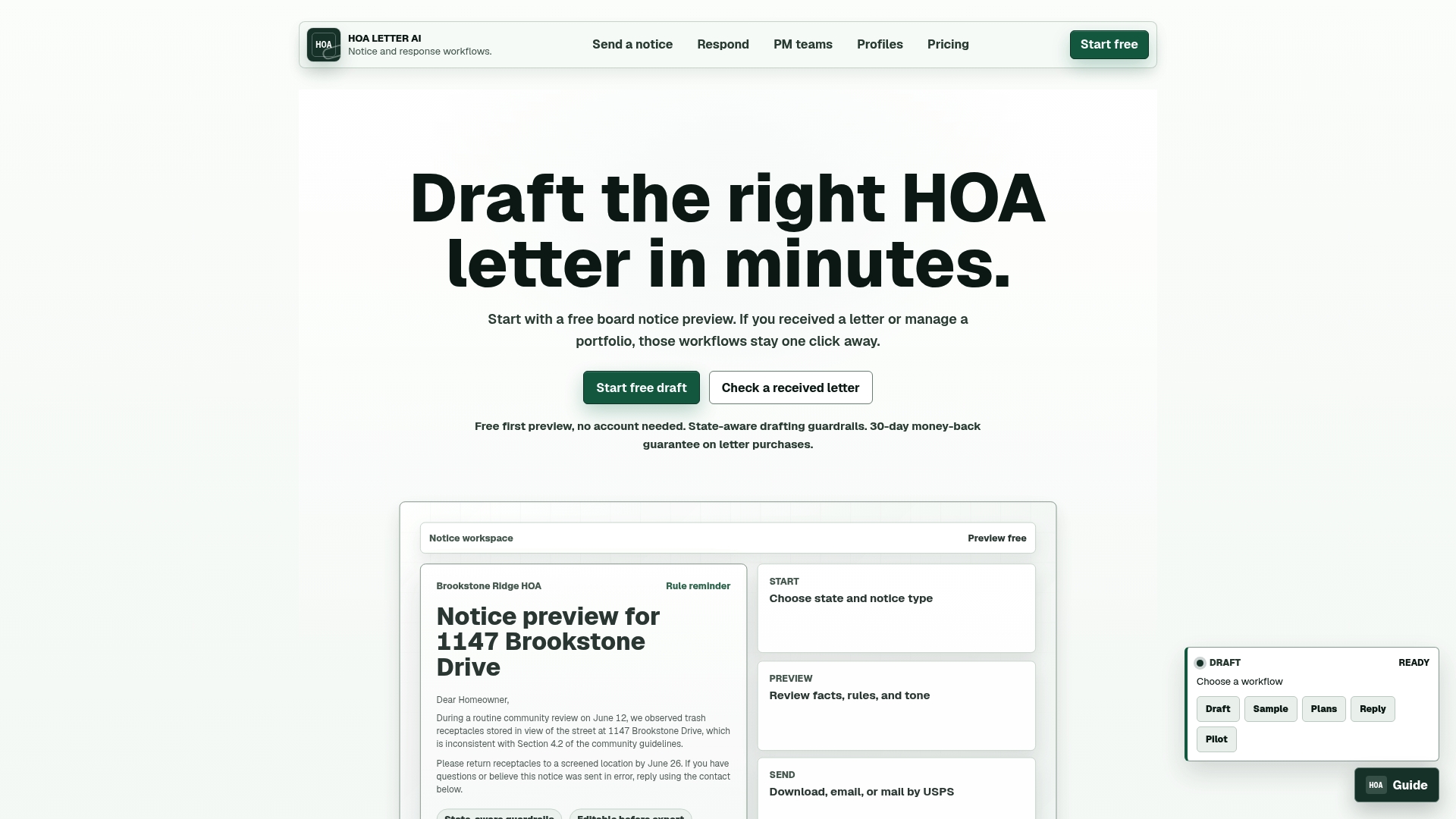
Includes USPS Certified Mail and PDF export directly from a notice workflow, so boards can draft, preview, and send from one place. The product enforces state-specific language while you build a notice, and it supplies templates for common HOA issues. That combination reduces handoffs between drafting and mailing tools.
Core Features
Guided draft workflows walk you through notices and responses with prompts and prefilled fields. The platform applies state-aware compliance guardrails and offers automated citations tied to templates. Reusable community profiles store rules, branding, and return addresses, and delivery options include PDF, Word, email, and USPS mail with certified options.
Key Differentiator
Provides strict state-aware compliance guardrails with automated citations and templates for efficient HOA notice management. Those guardrails flag language that may conflict with state rules as you draft. The automated citations cut the time spent searching statutes and reduce common drafting errors.
Pros
HOAHOA Letter AI speeds up drafting by combining guided workflows with ready templates, which lets boards produce consistent notices faster. Its reusable community profiles keep branding, rules, and return addresses consistent across letters. The inclusion of USPS mailing with proof means managers can complete the entire delivery process without a separate mailing vendor, and PDF plus Word exports help integrate with recordkeeping systems.
Cons
- Does not replace legal advice or attorney review for enforcement actions.
Who It's For
HOA boards, property managers, and community management teams who handle multiple neighborhoods or large resident lists. Teams that need consistent formatting, documented delivery, and state-specific language will find this useful. Individual homeowners or very small associations with low mailing volume may not get full value from the paid plans.
Unique Value Proposition
A one-page preview plus built-in USPS Certified Mail and export options removes the need to move documents between separate drafting and mailing tools. That saves time and reduces risk of transcription errors when preparing enforcement or notification letters. For organizations that track mailed proof, this workflow combines drafting, citation, preview, and delivery into a single process.
Real World Use Case
A board secretary drafts a parking violation using a guided workflow, and the platform inserts the correct state citation. The secretary reviews the one-page preview, selects Certified Mail, and the system prepares the PDF and mailing request. The board retains the exported file and proof of mailing for its records.
Pricing
Pricing is pay per letter or subscription based. The vendor lists $5 per individual letter and $15/month for unlimited access, with extra charges for USPS mailing and certified mail services. That model suits teams with either predictable monthly volume or occasional one-off letters.
Website: https://hoaletterai.com
PayHOA

At a Glance
PayHOA offers unlimited storage and messaging with no cap on homeowners managed. The platform groups invoicing, bank integrations, and resident portals into a single association management suite. It also includes bank connections and payment options such as Plaid and Stripe.
Core Features
Financial tools include invoicing, automated reminders, accounting workflows, and bank reconciliation that tie directly to payments. Communication features cover mass messaging, message boards, and a website builder integrated with owner portals. Management tools handle violation tracking, request forms, document storage, and onboarding support.
Key Differentiator
PayHOA targets community associations and bundles accounting, communication, and document control in one product. That focus means those modules were built to work together without extra products or manual exports. That approach makes PayHOA a different fit than Hoaletterai, which concentrates on letter generation and delivery.
Pros
The platform scales from self managed associations to large property managers and supports unlimited storage and messaging. Its financial toolkit mirrors many standalone accounting capabilities with automated invoicing and bank reconciliation that reduce manual bookkeeping. The vendor highlights customer support and onboarding, which helps boards adopt advanced accounting features faster.
Cons
- Pricing can be a burden for very small associations with tight budgets.
- Advanced accounting features require training to use effectively.
- Bank integrations depend on third party APIs and internet uptime which can affect payment flow.
When It May Not Fit
If your association only needs occasional letters and basic notices, the platform may offer more features than necessary. Small volunteer boards with limited budgets should compare per unit fees before committing. Communities that face unreliable internet should plan for the reliance on bank API uptime.
Notable Integrations
- Plaid for bank account connections
- Western Alliance Bank for banking services
- Stripe for payments
Who It's For
HOA boards, property managers, and self managed associations that need billing, accounting, and resident communication will get the most value. Professional managers who oversee multiple associations will benefit from consolidated financial reporting and owner portals. Small associations that only need simple notice templates may find it more than they need.
Real World Use Case
A homeowners association uses PayHOA to automate member billing and send reminder emails and message board posts. The board logs violations, stores supporting documents, and reconciles bank statements inside the same platform. That reduces administrative time and keeps owners informed through a single portal.
Pricing
Monthly plans start at $49 for small units with per unit pricing that scales as association size grows. The vendor lists scalable pricing based on unit counts and includes onboarding and support as part of paid plans.
Website: https://payhoa.com
Smartwebs
At a Glance
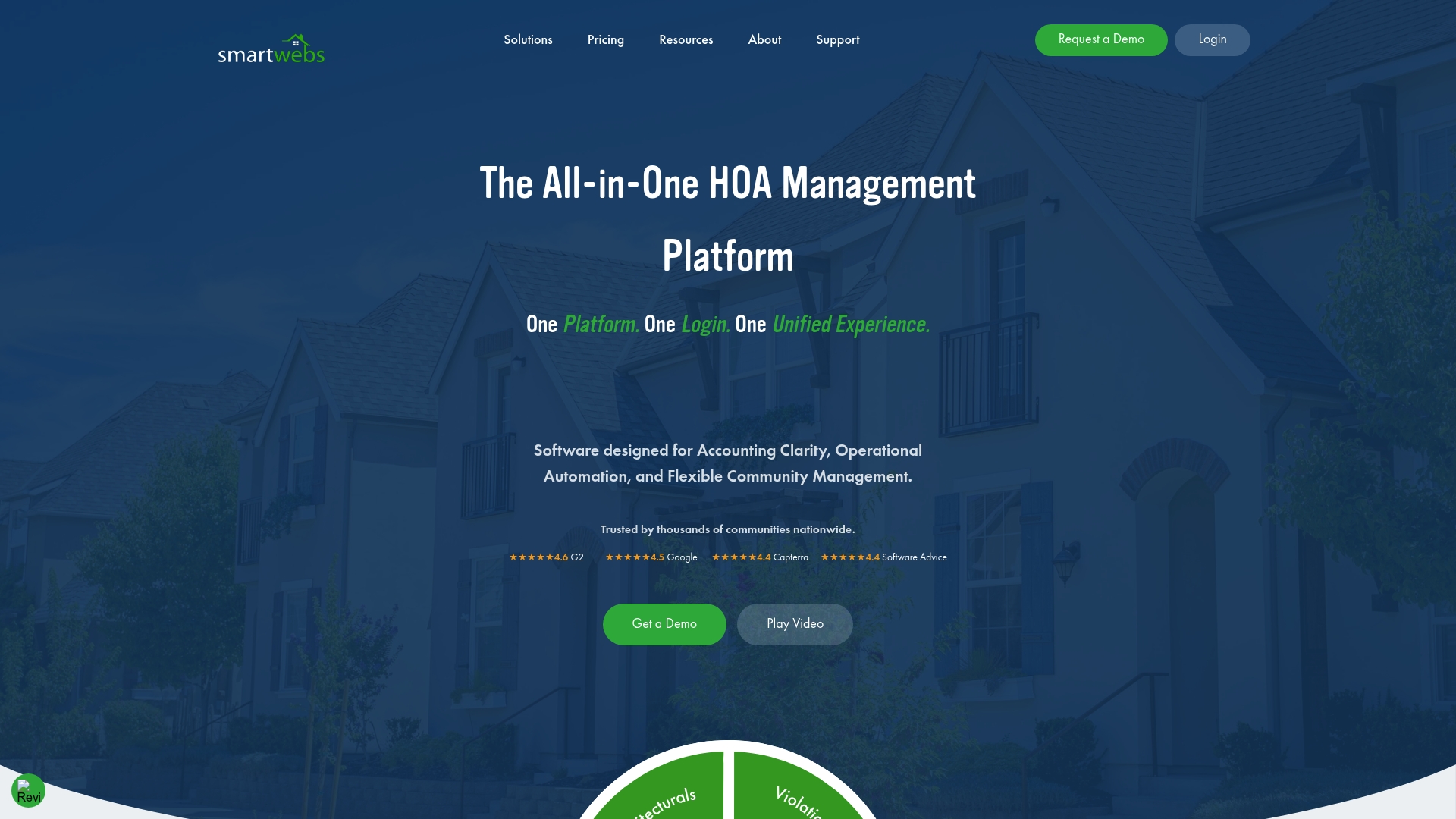
Smartwebs includes an AI-driven workflow and operational insights engine called SAMi, built to automate routine HOA tasks and surface anomalies in operations. The product bundles accounting, violations, architectural review, work orders, resident portals, and communication into one system. Mobile apps support inspections and on-site updates for managers.
Core Features
The platform combines core HOA functions so accounting, violations, architectural review, work orders, and resident portals share a single data model. Automation handles dues collection, vendor payments, and work order routing while customizable dashboards and reports give financial and operational visibility. Mobile apps let staff complete inspections, update work orders, and send resident messages from the field.
Key Differentiator
Smartwebs is built expressly around HOA operational workflows, aligning modules to common association processes and approval steps. That design lets managers scale by reusing the same workflows across communities rather than building separate processes. SAMi adds rule-driven automation and operational insights that reduce manual follow up and speed routine decisions.
Pros
Smartwebs reports being trusted by thousands of communities and management companies, which suggests the platform targets organizations running multiple associations. Its integrated approach reduces the need to move data between separate accounting and operations tools. Mobile management features improve field efficiency, and automation for dues and vendor payments cuts repetitive work for accounting teams.
Cons
- Pricing details are not publicly listed. You must contact sales for a quote and package options.
- Implementation and setup may involve additional fees, raising first-year costs for smaller boards.
- Specific third-party integrations are not detailed, which can complicate connections to niche vendor tools.
When It May Not Fit
If you need transparent, self-serve pricing to compare options quickly, Smartwebs may not be a good match. Small, self-managed associations with tight budgets could find implementation and setup costs burdensome. Organizations that require a long list of prebuilt third-party integrations should confirm compatibility before committing.
Who It's For
HOA management companies running multiple communities and self-managed boards that want a single system for accounting, violations, and resident communications. It also fits association managers who need mobile field tools and automation to reduce repetitive tasks.
Real World Use Case
A property management company uses Smartwebs to consolidate accounting ledgers, process vendor payments, and track violation cases in one place. Staff perform property inspections with the mobile app, create work orders on site, and run custom financial reports for each community. Virtual architectural reviews move through defined approval stages inside the same system.
Pricing
Smartwebs uses quote-based pricing. Pricing details are not publicly listed and require contacting sales to get a tailored proposal. Expect implementation or setup fees to be discussed during the sales process.
Website: https://smartwebs.com
Comparison of alternatives
When evaluating alternatives for HOA compliance and notification management, mail-centric solutions like HOAHOA Letter AI stand out for specialized features in letter compliance and workflow safeguards. Understanding the distinct capabilities of each option is essential for choosing the solution most suitable for specific organizational needs.
Specialization and key feature comparison
HOAHOA Letter AI focuses on HOA notice compliance and communication through unique tools. Its standout offering is the integration of state-specific compliance safeguards into the letter drafting process, coupled with mailing options that include PDF, Word, and USPS-certified mail. Meanwhile, PayHOA combines accounting systems and resident interaction solutions, creating an all-in-one suite for communities requiring invoicing, payment management, and document storage. In comparison, Smartwebs emphasizes operational flow automation through its SAMi engine, facilitating inspection schedules, violation recordings, and work order handling, particularly valuable for managers with field tasks.
Workflow and implementation differences
Smartwebs targets automated field operations, offering mobile capabilities for managers performing on-site tasks such as inspections or work order creation. Conversely, PayHOA emphasizes financial operations and community communication, which may demand initial onboarding. HOAHOA Letter AI, however, simplifies workflow by providing immediate letter drafting templates and mailing options, reducing the time spent on enforcement and notification. Therefore, the choice hinges on whether the organization requires streamlined daily processes, financial management enhancement, or precise communication compliance tools.
Best fit
- Neighborhood associations prioritizing regulatory compliance in homeowner notices will find HOAHOA Letter AI indispensable.
- Organizations seeking integrated financial tools and extensive resident communication channels can rely on PayHOA as a versatile solution.
- Larger groups requiring field operation efficiency and onsite mobile management should consider Smartwebs.
Our pick
HOAHOA Letter AI is our recommendation for associations aiming to optimize the creation and distribution of legally compliant homeowner notifications. Its guided compliance workflows, integrated state-level safeguards, and multiple delivery options make it particularly valuable for boards prioritizing efficient and accurate communications. For associations that do not require complex financial management or field operations, HOAHOA Letter AI is an ideal choice.
Efficient HOA document drafting is critical; explore tools tailored to unique workflows and compliance needs.
| Product | Key Differentiator | Best For | Pricing | Notable Limitation |
|---|---|---|---|---|
| Hoaletterai | State-aware compliance guardrails with citation automation | HOA boards, property managers | $5/letter; $15/month | Does not replace legal advice for enforcement |
| PayHOA | Integrated financial and communication tools | Large associations | Starting at $49/month | May be costly for smaller associations |
| Smartwebs | Automation-driven workflows tailored for HOA operations | Large management companies | Price not published | Implementation setup fees may increase initial cost |
Choosing the Right Solution for HOA Letter Management and Compliance
HOA boards and property managers face challenges creating consistent, compliant letters for enforcement and notification. The article highlights the need for state-specific language, efficient workflows, and documented delivery to reduce errors and risk. Hoaletterai addresses these pain points by offering guided drafting with built-in compliance guardrails and a one-page preview to catch mistakes early. It also combines letter creation with USPS Certified Mail and export options so teams maintain control without switching tools.
Users managing multiple neighborhoods benefit from Hoaletterai's reusable community profiles and automated citation features that save time and ensure accuracy. If you want to reduce handoffs and complexity while staying compliant, see how Hoaletterai can improve your HOA letter process. Visit Hoaletterai to draft your next notice with clear formatting and certified mailing options.
FAQ
#### What features make Hoaletterai suitable for drafting HOA compliance letters?
Hoaletterai provides guided draft workflows that use prompts and prefilled fields to simplify the drafting process. It enforces state-specific language while supplying templates for common HOA issues, making it an efficient choice for generating compliant letters. Consider using Hoaletterai for quick and consistent draft creation in your HOA communication.
#### How does PayHOA compare to Hoaletterai for HOA management?
PayHOA excels with its unlimited storage and messaging capabilities that support large numbers of homeowners. This platform bundles invoicing, bank integrations, and resident portals into one package. For focused letter generation and compliance, Hoaletterai remains the better choice, as it specifically streamlines correspondence workflows with state-aware compliance guardrails.
#### Can I use Smartwebs if I need more automation in my HOA operations?
Smartwebs offers a comprehensive automation system for tasks like dues collection and vendor payments, which could be beneficial for larger management needs. Hoaletterai, on the other hand, specializes in HOA compliance letter generation, making it a lower-commitment starting point if letter drafting is your primary concern.
#### What pricing options does Hoaletterai offer for its services?
Hoaletterai charges $5 per individual letter and $15 per month for unlimited access, which includes additional charges for USPS mailing and certified mail services. This pricing structure can help HOA boards manage their costs effectively while ensuring compliance in their communications.
#### What benefits do reusable community profiles provide in Hoaletterai?
Reusable community profiles in Hoaletterai store rules, branding, and return addresses, ensuring consistent formatting across letters. This feature enhances efficiency for HOA boards by removing the need to repeatedly enter the same information, allowing for quicker letter preparation and a more professional presentation.