
Producing HOA compliance letters that stay accurate across properties and legal requirements wastes time and risks inconsistency. Tools that skip state-specific checks or hide pricing behind sales calls fail to solve that problem. This comparison covers price, review workflow, and automation so HOA boards and property managers can pick a generator that fits their notice volume and compliance demands.
Table of Contents
HOA Letter AI
At a Glance
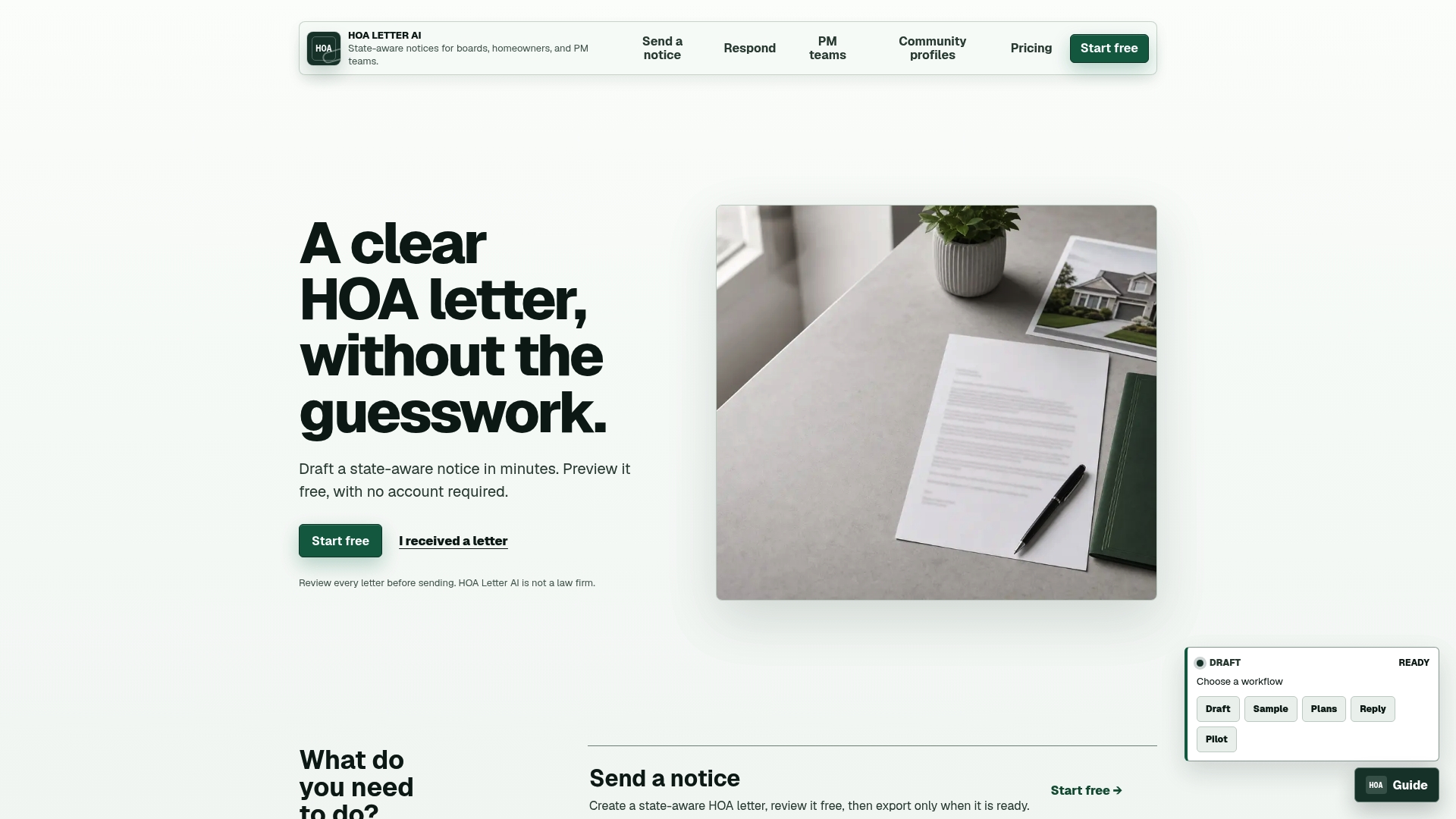
Free previews are available, plus a one-time $5 letter option and subscription plans starting at $15/month. The web interface supports drafting, responding, and managing community profiles across multiple properties. Delivery methods include export to PDF or Word, email, and USPS mailing.
Core Features
The editor produces state-aware notices with built-in compliance guardrails and a live preview before export. Community profiles store rules and branding for reuse, and the platform supports multiple workflows for draft creation, responses, and property management. Exports cover PDF, Word, email, and USPS mailing so you can deliver notices through print or electronic channels.
Key Differentiator
State-aware, compliance-focused notice drafting with community profile reuse and automated law adherence. That approach applies state-specific language and rule citations during drafting to reduce common errors. Community profiles let you apply the same rule citations and branding across properties without rebuilding notices from scratch.
Pros
Fast draft generation with state-aware checks reduces the editing time boards face when crafting notices. Reusing community profiles keeps citations and branding consistent across multiple properties and helps smaller teams avoid repetitive setup. Multiple delivery options and a free preview path make testing a draft simple before committing to mail or subscription spending.
Cons
- Requires manual review to ensure final legal compliance. It is not a substitute for legal advice.
Who It’s For
HOA boards and property managers who handle notices for one or more communities and need consistent, legally framed language. Teams that send frequent violation or fine letters will benefit from property-level rules and branding reuse. Smaller boards that prefer pay-per-letter options can avoid long-term subscriptions.
Unique Value Proposition
The combination of a pay-per-letter option and property manager packages lets you match cost to volume. A board can buy a single mailed notice for $5 or upgrade to a monthly plan for higher volume. That pricing structure reduces upfront commitment while keeping the same state-aware drafting and community reuse features available as you scale.
Real World Use Case
A property management firm uses HOA Letter AI to produce uniform violation notices across ten communities. Staff select the relevant community profile, apply the state-aware language, preview the letter, and choose USPS mailing for certified delivery. The process keeps citations consistent and reduces back-and-forth with legal counsel before final mailing.
Pricing
Pricing includes a free preview tier, a one-time letter purchase for $5, and subscription plans starting at $15/month for self-serve users. Higher-tier packages are available for property managers that need multi-property management and greater volume. The site lists pay-per-letter and recurring subscription options side by side for easy comparison.
Website: https://hoaletterai.com
DocuScrit
At a Glance
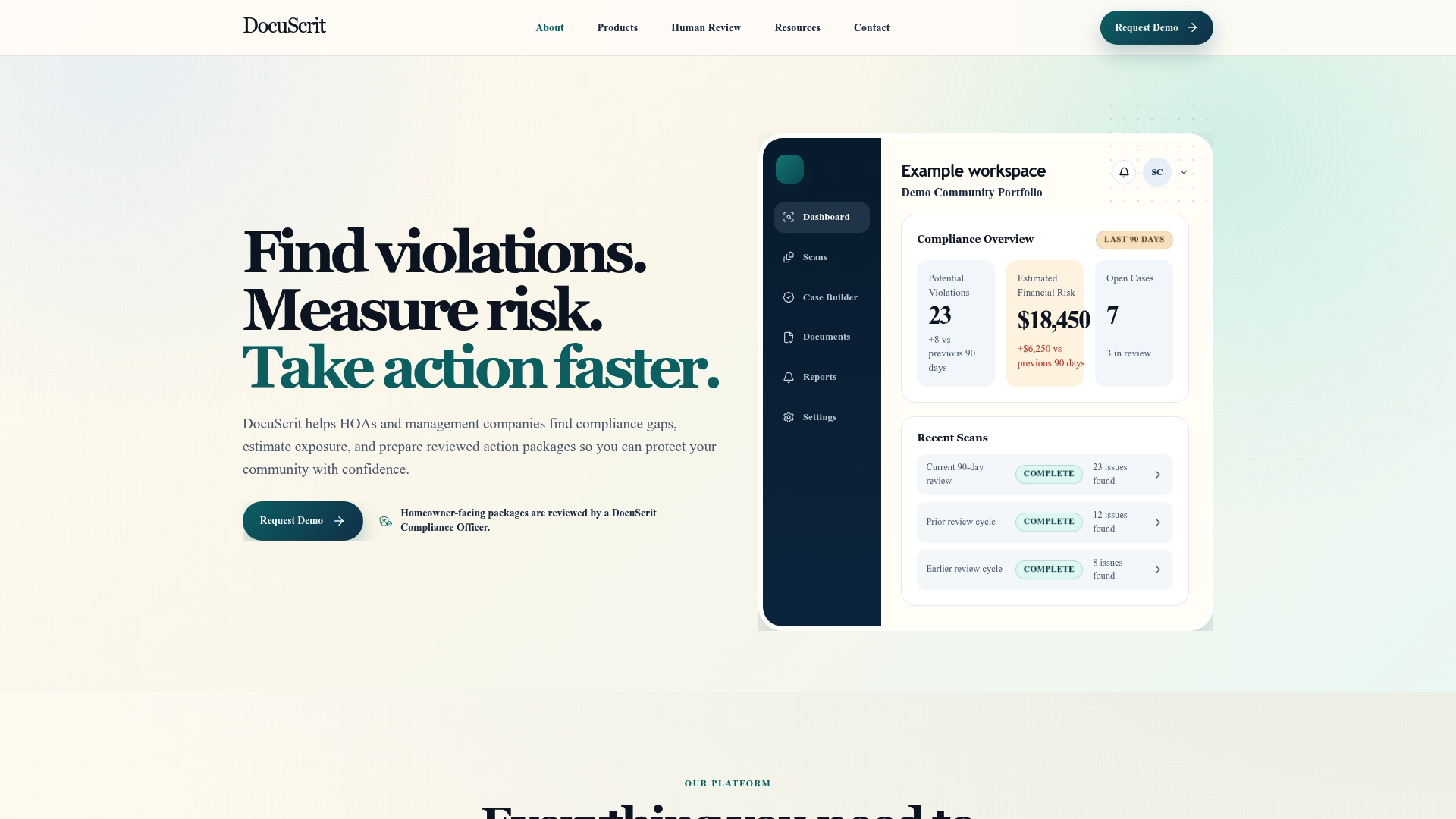
Financial risk estimation with scenario-based exposure analysis is a built-in capability that helps teams quantify potential liability before sending notices. The platform combines a compliance gap scanner with an E-Civil case builder and organized rule mapping. Human reviewers check draft packages before homeowner communication, which shifts review responsibility onto trained compliance officers. That workflow aims to reduce errors and produce defensible records for homeowner cases.
Core Features
DocuScrit offers a compliance gap scanner that parses community records to flag likely violations, and a financial risk estimation tool that models exposure across scenarios. The E-Civil case builder assembles homeowner details, violation history, and draft demand packages, while rule and law reference mapping keeps governance sources organized. Human review by compliance officers sits inside the workflow so every homeowner-facing deliverable receives a human check before dispatch.
Key Differentiator
The central differentiator is the built-in human review workflow that places a compliance officer between automated discovery and homeowner communication. That design shifts decisions from fully automated triggers to a human-reviewed outcome. For boards that want documented human oversight, this is the feature that changes how cases reach homeowners.
Pros
DocuScrit groups detection, risk analysis, and case assembly into a single flow, so teams spend less time copying records between tools. The presence of human review improves accuracy and fairness in communications by adding an explicit verification step. The platform also provides clearer tracking of case review status and documentation, which helps compliance officers and board members follow case progress.
Cons
-
Pricing and subscription details are not listed publicly, which makes budgeting difficult for procurement teams.
-
No information on integrations with existing HOA management systems is available, so planners will need to verify compatibility before committing.
-
The product appears focused on documentation and case packaging; it may not handle complex contested litigation or courtroom workflows.
Who It’s For
DocuScrit fits HOA management professionals and compliance officers who require documented review workflows and clearer case records. You will get the most value if your team handles many routine violations and wants to reduce manual file assembly. Boards that prioritize human oversight before homeowner notices will find the platform aligned with their governance style.
Real World Use Case
An HOA management team uploads community rules, violation logs, and homeowner records into DocuScrit. The compliance gap scanner highlights probable issues, and the financial estimator models potential exposure for a demand package. The E-Civil case builder produces a draft packet that a compliance officer reviews, annotates, and signs off on before any homeowner notice goes out.
Pricing
Pricing is not listed. The product entry is informational only and does not provide tiers, per-seat fees, or a starting figure. Procurement teams should contact the vendor directly for quotes and contract terms.
Website: https://docuscrithub.com
Smartwebs
At a Glance
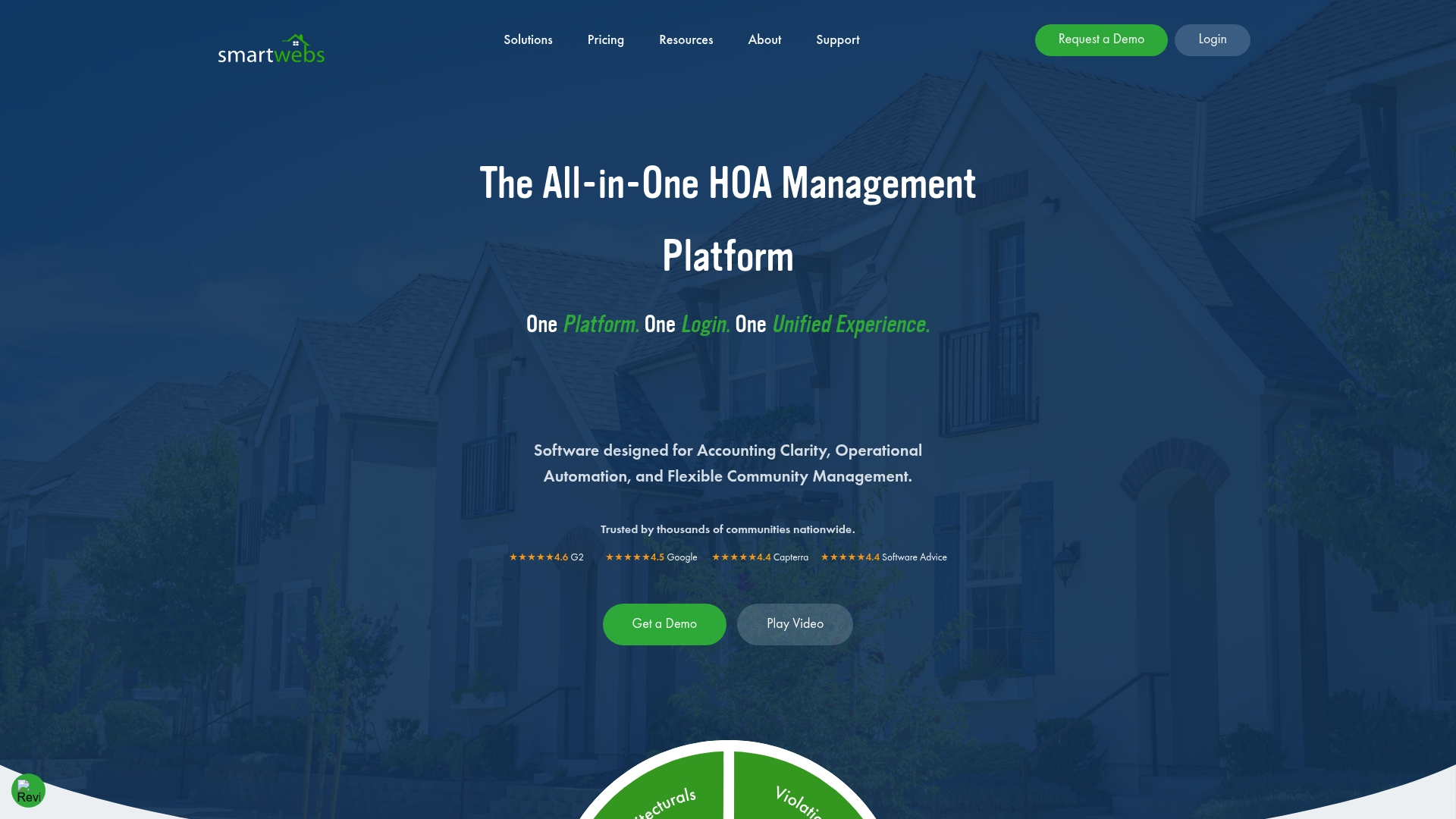
Smartwebs reports it is trusted by thousands of communities nationwide. It combines community accounting, violation tracking, architectural review workflows, work orders, and resident communication behind one login. Mobile apps and automation support routine tasks and provide real-time financial visibility.
Core Features
A single platform ties accounting, violation management, architectural reviews, work orders, and resident portals into one system. Automation handles dues collection and vendor payables while workflows reduce manual handoffs. Managers get mobile inspections and real-time financial dashboards for budgets and reports.
Key Differentiator
Smartwebs centers everything behind one login so boards and managers access the same set of records. That design keeps accounting, communications, and compliance reviews inside one system rather than scattered across separate tools. For teams juggling multiple vendor tools, that unified access lowers the risk of lost notes and duplicate entries.
Pros
The product groups multiple HOA functions in a single place, which cuts the need to switch between apps. Mobile access and customer support help on-site managers and remote boards stay productive. That claim about wide adoption implies continuity of service and frequent software updates.
Cons
- May have a learning curve for new users because many features need configuration.
- Pricing is quoted per community and may be a consideration for smaller associations.
- Smaller HOAs with minimal management needs might find the platform heavier than required.
When It May Not Fit
This platform may not suit associations that need a very lightweight solution. Tiny homeowner groups with volunteer-only management often prefer single-purpose tools for accounting or messaging. Also plan for staff training to reach full feature use and for pricing talks tied to community size.
Who It’s For
HOA management companies and self-managed boards seeking a single system for accounts, violations, and resident communication will benefit most. Managers who need mobile inspection tools and consolidated reporting will see workflow gains. Small, informal homeowner groups with minimal administrative tasks should compare simpler alternatives first.
Real World Use Case
A management firm consolidated accounting, violation tracking, work orders, and resident portals into one system. That consolidation reduced duplicate data entry and sped response times for homeowner requests. Field staff used the mobile app for inspections while the office used dashboards for budget reviews.
Pricing
Smartwebs uses custom pricing and asks prospects to contact the company for a quote. Costs vary with community size and feature needs, so expect a tailored proposal. Small associations should request a clear scope and a price estimate before committing.
Website: https://smartwebs.com
Comparison of HOA Compliance Letter Generators
Each platform offers distinct features and pricing models designed to streamline HOA management tasks.
| Product | Key Features | Best For | Pricing | Notable Limitation |
|---|---|---|---|---|
| Hoaletterai | State-aware notice drafting, delivery options | Boards managing notices across communities | $5 per letter, $15/month | Requires manual legal review |
| DocuScrit | Human-reviewed workflows, risk estimations | Teams needing compliance verification | Price not published | Price details must be requested from vendor |
| Smartwebs | Unified accounting and violations platform | Management firms seeking all-in-one tools | Price not published | Configuration and learning curve for smaller teams |
How to Choose the Best InsideHOA.com Alternative for Notice Management
HOA boards and property managers often face the challenge of drafting legally accurate violation and compliance letters while maintaining consistency across multiple communities. The article highlights how many teams seek state-aware tools that reduce errors and provide flexible delivery options. Hoaletterai addresses these key pain points with fast, state-specific letter drafting, community profile reuse, and USPS mailing options that simplify the process.
Hoaletterai helps smaller boards and property managers avoid the hassle of repetitive setups while delivering clear, professional notices. See how our pay-per-letter and subscription plans fit different needs at Hoaletterai. For HOA teams handling several properties, our platform keeps legal language consistent and review straightforward. Visit Hoaletterai to preview your first letter and send it with confidence.
FAQ
How does Hoaletterai help with compliance letter generation?
Hoaletterai efficiently generates compliance letters tailored to specific state regulations. The platform’s state-aware drafting tool applies local language and citations automatically, reducing common mistakes during letter creation. Consider using Hoaletterai for fast and compliant document generation in your HOA communications.
What is the difference between DocuScrit and Hoaletterai?
DocuScrit excels with its built-in human review workflow, ensuring a compliance officer checks every document before homeowner communication. This system suits teams looking for strict human oversight. Hoaletterai stands out for its speed and reduced editing time, making it ideal for drafting notices quickly while leveraging automation for compliance.
Can I use Hoaletterai for multiple property management?
Yes, Hoaletterai supports multiple community profiles, allowing you to reuse rules and branding across various properties seamlessly. This feature helps maintain consistency while streamlining your notice-generation process for different communities.
Does Hoaletterai provide a free trial option?
Yes, Hoaletterai offers a free preview tier, allowing users to test the platform before committing to payment. This approach helps you assess whether its features meet your HOA’s specific needs without upfront costs.
How is pricing structured for Hoaletterai compared to alternatives?
Hoaletterai has a pay-per-letter option at $5 per letter and subscription plans starting at $15 per month. This setup allows flexibility based on your volume of notices, especially beneficial for smaller boards not wanting to commit long-term.