
Use mail merge when you need one-to-one personalization across a large list, and use templates when the message must stay consistent, repeatable, and defensible. Most operations teams end up running both: a locked template for the legal and structural parts, and mail merge or controlled freeform fields for the details that change person to person.
TL;DR:
- Mail merge is ideal for sending large volumes of personalized messages, but it relies on clean, consistent data without missing or malformed entries.
- Templates are preferable for legal or regulatory correspondence requiring fixed language, ensuring compliance and reducing human error.
- Setting up a mail merge requires preparing a spreadsheet with clear headers, testing on a small sample, and verifying formatting before full deployment.
- Using templates with controlled personalization and review steps minimizes structural errors like outdated disclosures or missing statutory language.
- Combining templates and mail merge into a hybrid workflow allows for efficient, error-reduced communication while maintaining legal compliance.
HOA Letter AICreate Clearer HOA Compliance LettersDraft professional notices with guided, state-specific context, community rules, built-in checks, preview, and delivery options.Create your letters
Table of Contents
- Mail Merge vs Templates: A Side-by-Side Comparison
- When Mail Merge Is the Better Choice
- When Templates Are the Better Choice
- How to Set Up a Basic Mail Merge
- How to Design Reusable Templates Effectively
- Limitations, Sending Rules, and Deliverability
- The Hybrid Workflow: Templates With Controlled Personalization
- Why a Template-First Approach Actually Reduces Errors
- Skip the Guesswork With Guided, State-Aware Templates
- Sources
- FAQ
Mail Merge vs Templates: A Side-by-Side Comparison
Templates and mail merge solve overlapping but distinct problems, and the difference shows up fastest in how each one handles personalization, scale, and control.
A template is a fixed document with blanks you fill in by hand or through a small set of editable fields. Mail merge is a process: it pulls data from a spreadsheet or database and drops it into placeholders across hundreds or thousands of documents automatically. One is a shape; the other is a machine that fills the shape at scale.
Picture a violation notice. As a template, someone opens the file, types in the homeowner’s name and address, and sends it. As a mail merge, a property manager uploads a list of 40 addresses with violation types, and the software generates 40 letters in one pass, each pulling the right name, unit number, and rule citation automatically.
- Personalization depth: Templates offer manual, unlimited personalization per document. Mail merge personalizes automatically but only for fields your data source actually contains.
- Scale: Templates work fine for a handful of letters. Mail merge is built for dozens to thousands.
- Automation: Templates require a human to fill each one in. Mail merge runs the fill-in step for you.
- Tracking and governance: Templates are easier to lock down and audit since the structure never changes. Mail merge output varies by record, so quality control has to happen at the data-source level.
When Mail Merge Is the Better Choice
Mail merge earns its keep when you’re sending genuinely personalized messages to a list that’s too large to fill in by hand. Think renewal notices, dues reminders, or annual meeting invitations going out to an entire community roster.
- Check your volume. If you’re sending fewer than 10 to 15 letters, manual template entry is often faster than setting up a data file.
- Build a clean data source. Every recipient needs consistent columns: name, address, unit number, and whatever else populates your merge fields.
- Match merge fields to column headers exactly. A mismatched field name is the single most common cause of a blank spot in a finished letter.
- Test on 3 to 5 sample records first. Check spacing, date formats, and address blocks before running the full batch.
- Scan for duplicate or malformed entries in the source file. Bad rows produce bad letters, silently.
When Templates Are the Better Choice
Templates win whenever the message has to say the same thing, the same way, every time. That’s most HOA and property management correspondence: violation notices citing specific CC&R sections, fine schedules, and appeal rights that can’t legally shift from one letter to the next.
- Compliance-bound letters benefit most, since a template locks in required legal language so no one accidentally drops a mandatory disclosure.
- Branded communications stay consistent when a template controls logo placement, tone, and formatting across every board member who sends one.
- Repeatable workflows, like monthly newsletters or standard welcome packets, get faster once the structure is set and only the details change.
- Version control matters here. Deterministic templates make outputs testable and auditable in a way that freeform, generated text does not, according to analysis on replacing generated text with structured template logic.
- Lock the legal sections, leave the rest open. Names, dates, and violation specifics should stay editable; statutory language and appeal deadlines should not.
How to Set Up a Basic Mail Merge
Setting up mail merge follows roughly the same pattern whether you’re using a word processor or an email platform.
- Prepare your data source as a spreadsheet with one row per recipient and clear column headers.
- Insert merge fields into your letter draft where the recipient’s name, address, or specific details belong, following your platform’s mail merge campaign setup process.
- Run a test merge on 2 to 3 records to confirm every field pulls the right data.
- Check formatting for extra spaces, missing punctuation, or misaligned address blocks.
- Confirm sending limits and authentication settings before you launch the full batch, especially with email-based merges.
- Send in small batches if your list is large, watching for bounce-backs or failed deliveries.
Pro Tip: Keep a “test” row in your data source with your own email or address. Run every merge through it first so you catch broken fields before a homeowner ever sees them.
How to Design Reusable Templates Effectively
A good template does two jobs at once: it saves time and it keeps someone from forgetting a required clause.
- Define required fields clearly, marking exactly which blanks must be filled before the letter can go out.
- Separate mandatory language from optional notes, so editors know what they can adjust and what stays fixed.
- Build in a preview step before sending, catching typos or missing details while they’re still cheap to fix.
- Track versions, especially when a rule change or new state requirement means every future letter needs updated wording.
- Use progressive structure, anchoring roughly 80% of the document as fixed language and leaving the remaining 20% for situational specifics, a pattern described in mail merge and template design guidance.
Pro Tip: Store your locked legal language as a separate, uneditable block within the template file. It stops well-meaning edits from accidentally deleting a disclosure that’s legally required.
Related reading: compliance letter formatting best practices and building a reusable letter template library.

Limitations, Sending Rules, and Deliverability
Both approaches run into real technical ceilings, and hitting one mid-send is worse than planning around it in advance.
- Gmail and Google Workspace cap daily sends for mail merge and multi-send features, and administrators should confirm current Gmail sending limits before running a large batch.
- Cc/Bcc behavior is restricted. Gmail’s mail merge documentation notes it supports only a single Cc or Bcc recipient per merge, and some message types aren’t compatible with the feature at all.
- Word and Office mail merge commonly hit field or column limits in certain dialog boxes, often cited around 255 or 256 fields; the practical fix is pulling data through Excel, Access, or a CSV file instead of pasting it directly, per Microsoft’s own guidance.
- Deliverability depends on infrastructure, not just content. Proper SPF and DKIM authentication matters more as volume climbs, since spam filters treat unauthenticated bulk mail with more suspicion.
Traditional mail merge also lacks the dynamic content blocks, behavioral triggers, and tracking that modern platforms offer, a gap that matters most once you need more than name-and-address personalization, according to Twilio’s breakdown of mail merge’s modern limits.
The Hybrid Workflow: Templates With Controlled Personalization
The most workable pattern isn’t picking one method forever. It’s building templates that carry the fixed 80%, mail merge or manual entry that fills the personal 20%, and a review step in between.
- Draft the fixed structure first, including every required disclosure, citation, and formatting rule.
- Mark the variable fields explicitly, so whoever fills them in knows exactly what changes per recipient.
- Add a preview checkpoint before any letter goes out, catching a wrong unit number or an outdated rule citation.
- Assign clear ownership. One person edits the variable content, another approves the final version, and every update gets a version note.
This mirrors what marketing teams increasingly do as all-in-one platforms get replaced by smaller, purpose-built tools working together, a shift some analysts call the unbundling of the marketing stack. The same logic applies to HOA correspondence: one tool for structure, another for the personal touch, connected by a review step neither one skips.
Why a Template-First Approach Actually Reduces Errors

Most HOA compliance mistakes aren’t personalization failures. They’re structural ones: a missing statutory disclosure, an outdated fine amount, a citation to the wrong CC&R section. Guided templates catch these before they leave the building, since the required language never depends on someone remembering to type it correctly at 4:45 PM on a Friday.
A specialized tool makes sense once your board or portfolio sends enough letters that manual template upkeep starts slipping. State-aware rule checks and a locked structure do the work a generic template can’t. For teams building their own library first, why HOA boards need templates covers the foundation before you add automation on top.
— Blake
Skip the Guesswork With Guided, State-Aware Templates
HOA Letter AI gives you the template-first structure this article recommends, minus the risk of a hand-built document missing a required clause. Every letter starts from a state-aware template with built-in checks for mandatory language, plus a free preview before anything goes out.
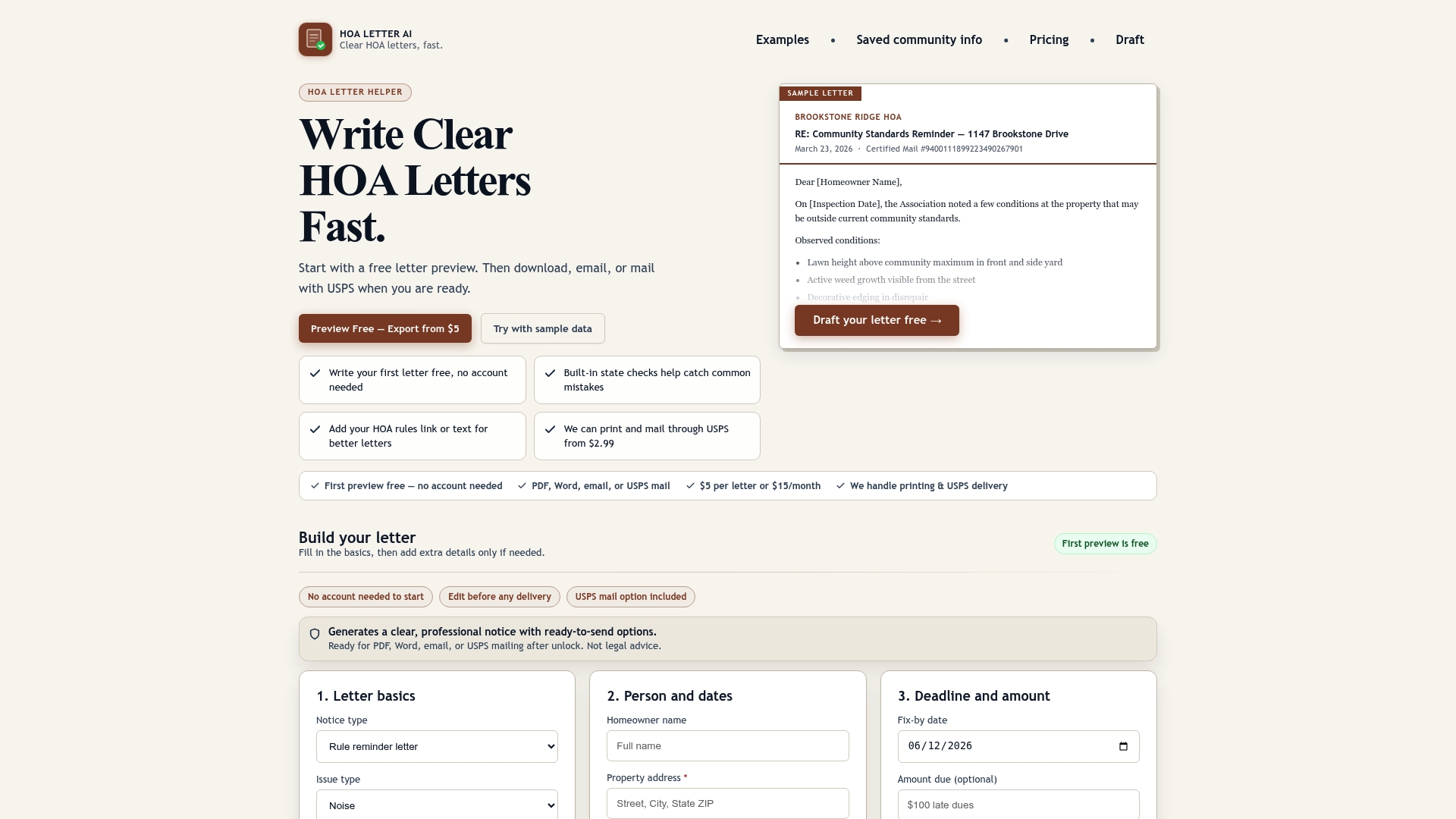
Individual boards can generate a single letter for $5, while homeowners needing a formal reply can use the same flow for a one-time response letter. Property management teams handling multiple communities get more from the PM Starter plan at $199 per month, which adds reusable community profiles so you’re not rebuilding rule sets from scratch for every property. Need letters delivered, not just drafted? Add USPS mailing starting at $2.99 per letter and skip the trip to the post office. Start with a free preview and see whether a guided template saves your board time this month.
Sources
- Gmail sending limits - Google Workspace Admin Help
- Use mail merge in Gmail - Google Support
- Mailings with more than 255 columns - Microsoft Q&A
- What is mail merge? — Twilio Blog — 2025
FAQ
Does anyone still use mail merge?
Yes. Mail merge remains standard for one-to-one bulk personalization in email and word processing software, especially for straightforward name-and-address tasks. It’s less common for marketing campaigns that need dynamic content or tracking, where platforms with automation features have largely taken over, per Twilio’s overview of mail merge today.
What are the disadvantages of mail merge?
Mail merge depends entirely on clean data. A messy spreadsheet produces messy letters. It also lacks dynamic content blocks, behavioral triggers, and built-in tracking, and vendors like Gmail cap daily sending volume and restrict Cc/Bcc use to a single recipient per merge.
What has replaced mail merge?
For marketing use cases, dedicated email platforms with dynamic content, automation triggers, and analytics have largely replaced basic mail merge. For formal compliance letters, guided templates with built-in field checks are replacing manual mail merge because they reduce the chance of a required disclosure going missing, an approach HOA Letter AI builds into its drafting flow.
What are the four types of mail merge?
Most mail merge tools support letters, mailing labels, envelopes, and email messages, each pulling from the same underlying data source but formatting the output differently. The setup process for each follows a similar pattern of preparing your mailing list, inserting merge fields, and running a test batch, detailed in Outlook’s mail merge campaign documentation.
Should I use templates or mail merge for HOA violation letters?
Templates are the safer default for violation letters because they lock in required legal language and CC&R citations that can’t vary by recipient. Mail merge works well only when you’re sending a high volume of otherwise identical notices, like an annual dues reminder, where the personalized fields are limited to name and address.